The SB200 can be linked with a heart rate monitor through the Stages Cycling app. This allows you to use the SB200 as a single point of connection for power, cadence, resistance, and now heart rate. This is only compatible with Bluetooth heart rate monitors. When linked, the SB200's built-in display will also show your current BPMs.
Pairing a heart rate monitor to the SB200
- Open the Stages Cycling app and connect to your SB200
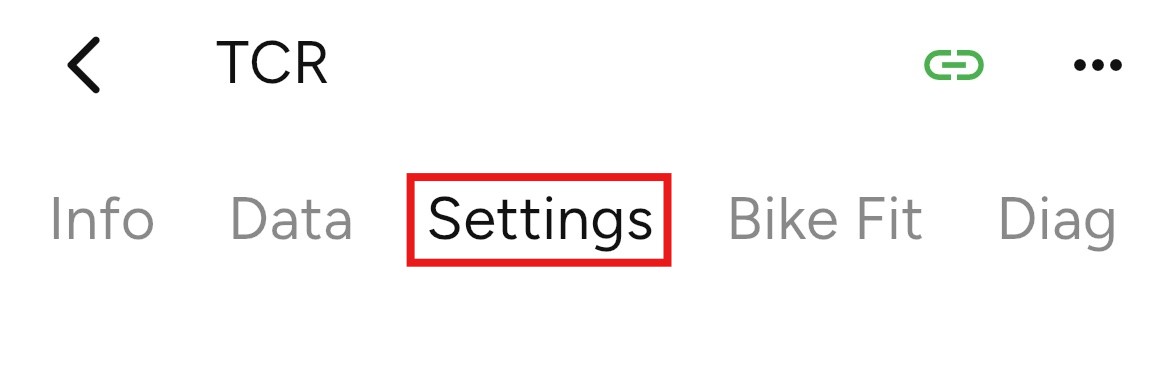
- Select the Settings tab
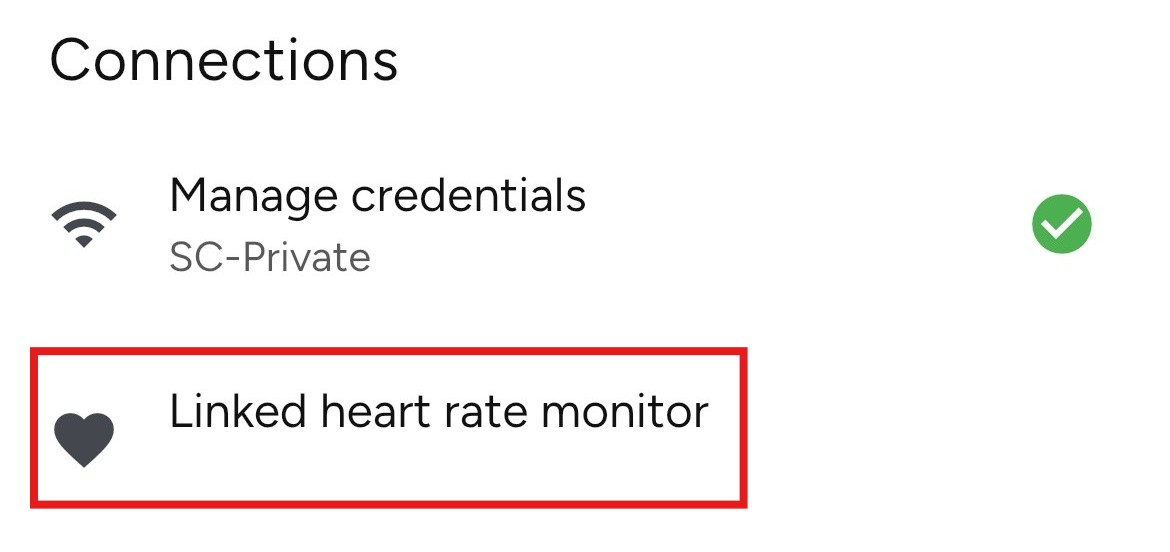
- Under Connections, tap Linked heart rate monitor.
- Select your heart rate monitor under available devices.
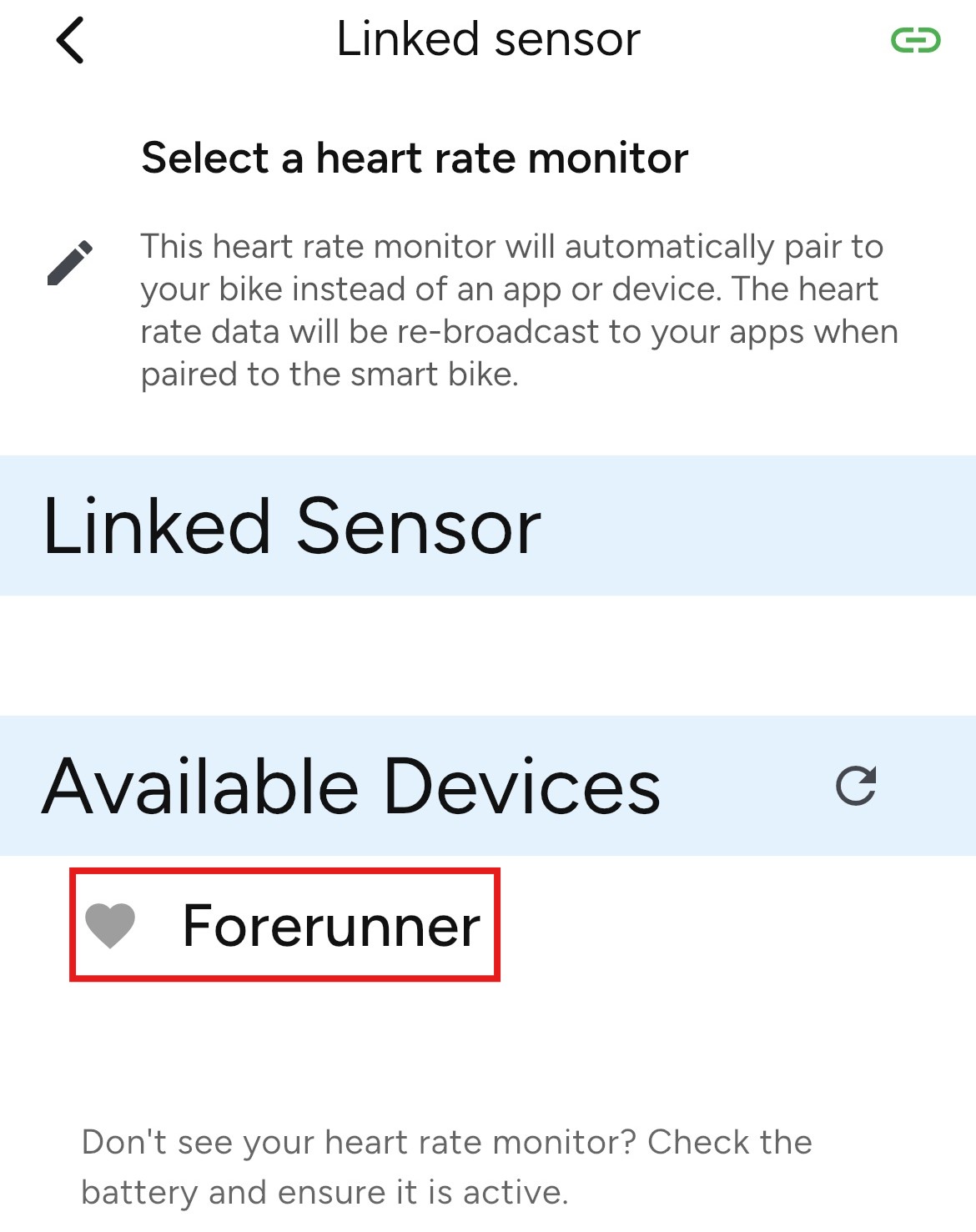
You have now paired your heart rate monitor to the SB200. This can be deleted by visiting the same section under settings and connections.
Was this article helpful?
That’s Great!
Thank you for your feedback
Sorry! We couldn't be helpful
Thank you for your feedback
Feedback sent
We appreciate your effort and will try to fix the article