The SB200 supports multiple user profiles, making it easy to tailor the bike for different riders and preferences. User profiles are created and managed through the Stages Cycling app.
Creating or editing a profile
- Open the Stages Cycling app and connect to your SB200.

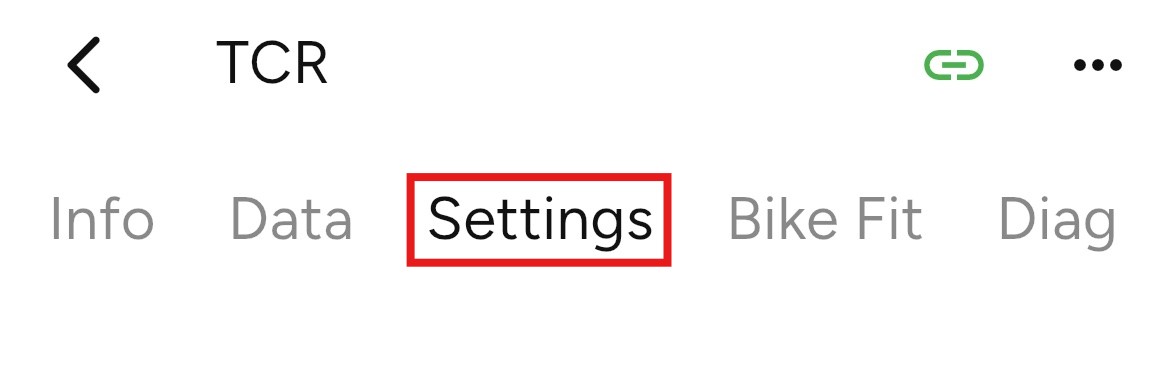
- Select the Settings tab.
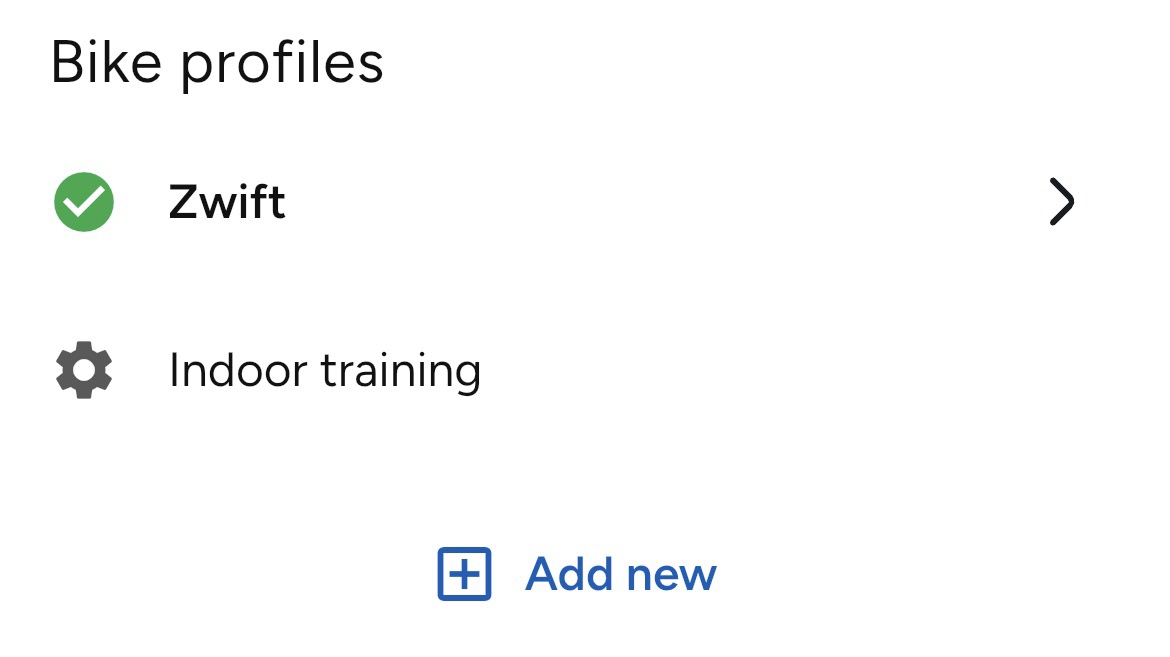
- Under Bike profiles, select the profile you want to edit or choose Add new to create a new one. The currently active profile is indicated by a green checkmark.
- View or modify various bike settings, shifting behavior, and app controls.
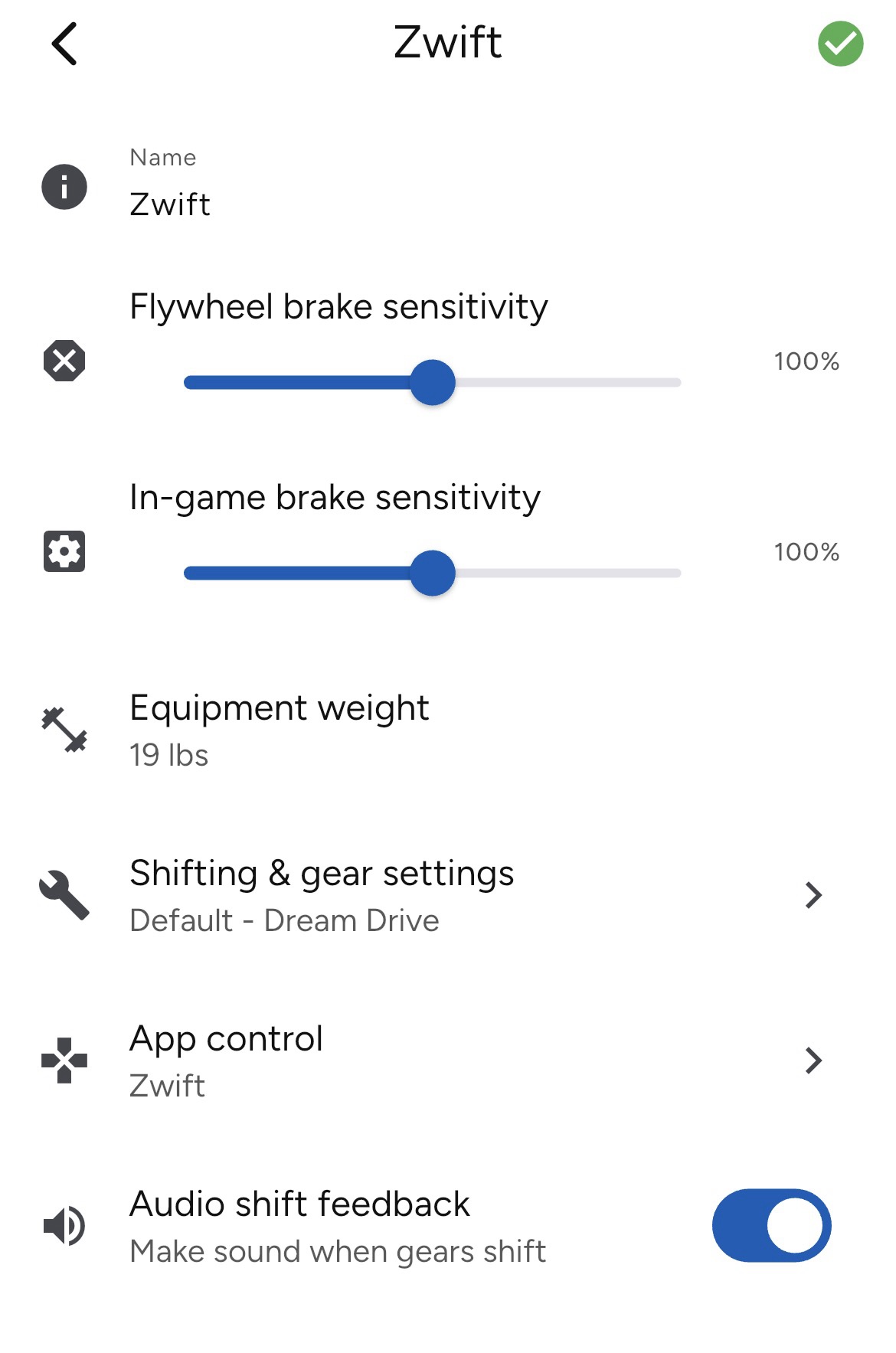
Once your profile has been configured, the SB200 will use the selected settings for that profile. You can return to Bike profiles at any time to switch between profiles or make changes.
Was this article helpful?
That’s Great!
Thank you for your feedback
Sorry! We couldn't be helpful
Thank you for your feedback
Feedback sent
We appreciate your effort and will try to fix the article