The SB200 is designed for immediate use with minimal setup. Riders can begin cycling without connecting to any apps or external devices, and the bike supports multiple user profiles that can be selected during startup.
The default profiles to select from are SRAM, Shimano, or Dream Drive. Additional profiles can be added to the SB200 via the Stages Cycling App. 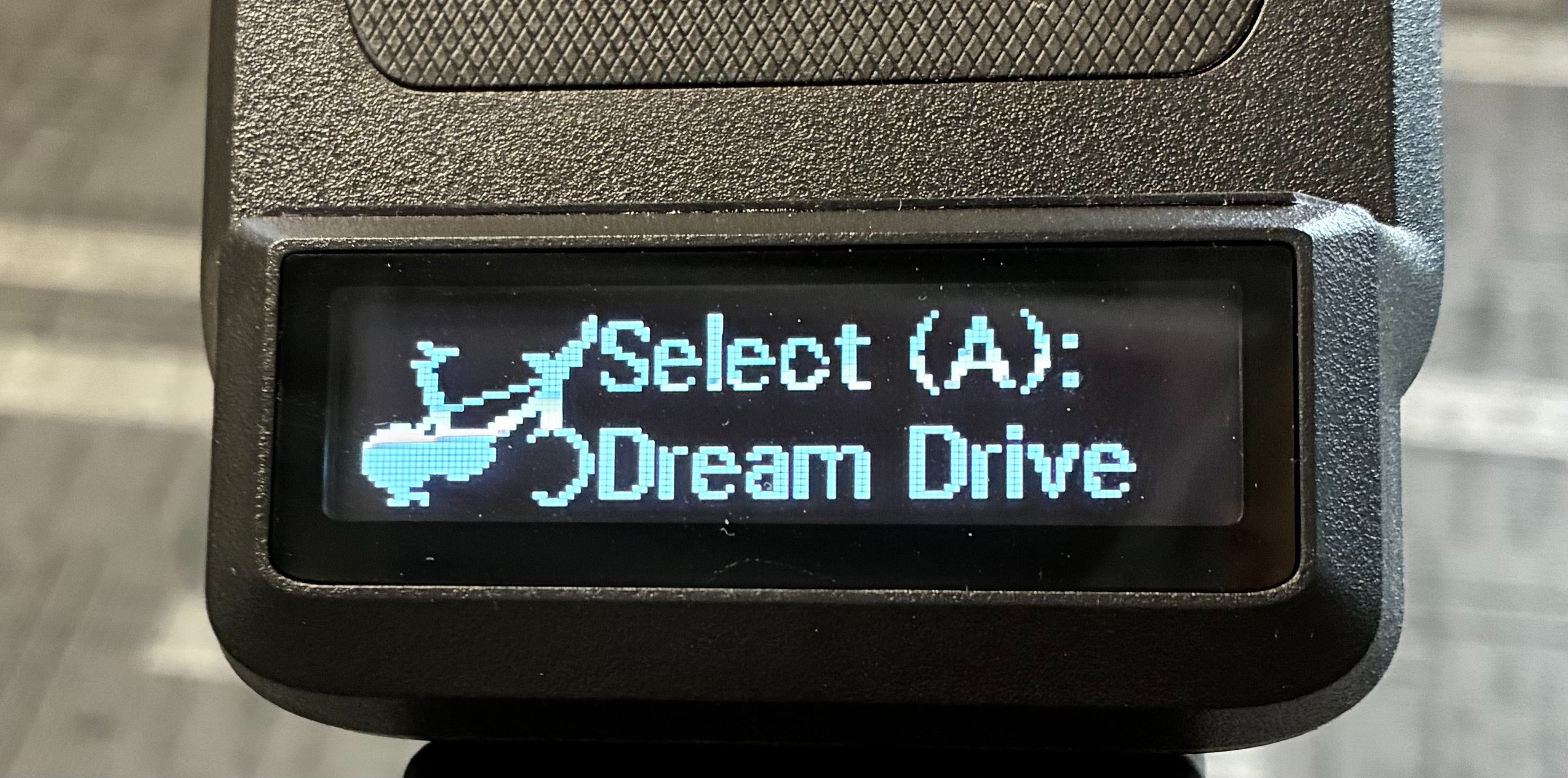
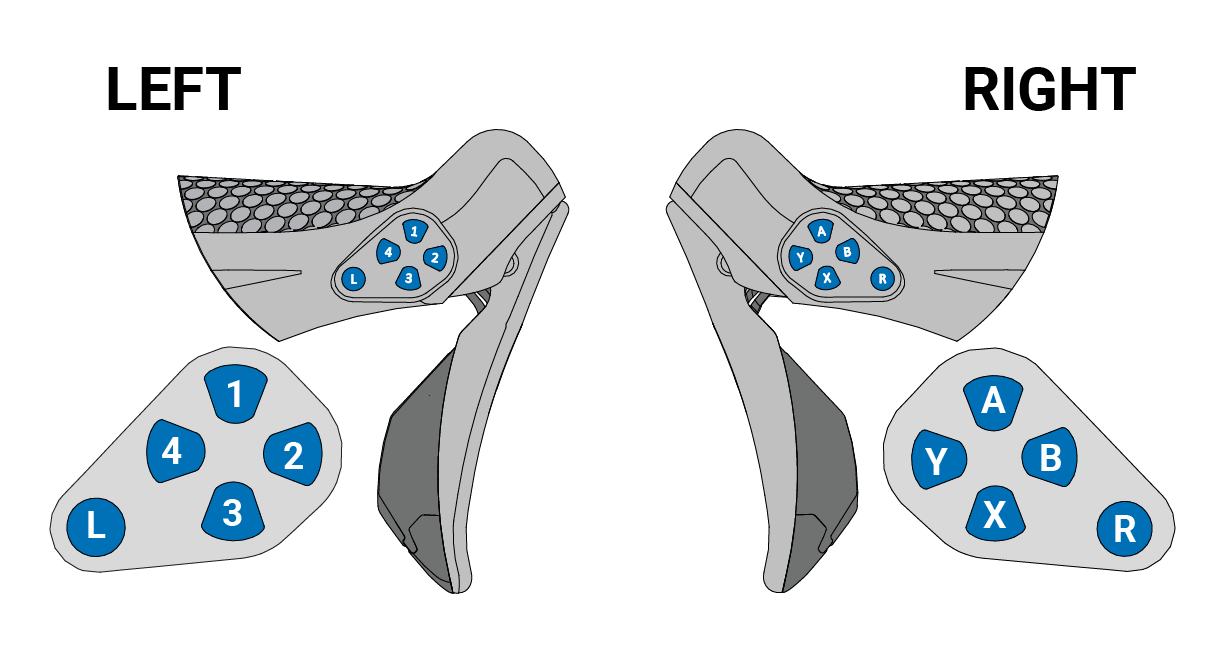
Using the buttons on the inside of the left-hand shifter, buttons 1 and 2 scroll up, while buttons 3 and 4 scroll down. To select a profile, press button A on the right-hand shifter.
When not connected to a third-party app, riders can manually shift gears to adjust resistance, and the bike will operate in a simulated flat-road environment (0% grade) at all times.
An additional display view is also available when the bike is not connected to a third-party app. Press either steering button (L or R) to toggle between the available display modes.
Display View 1 (default metrics)
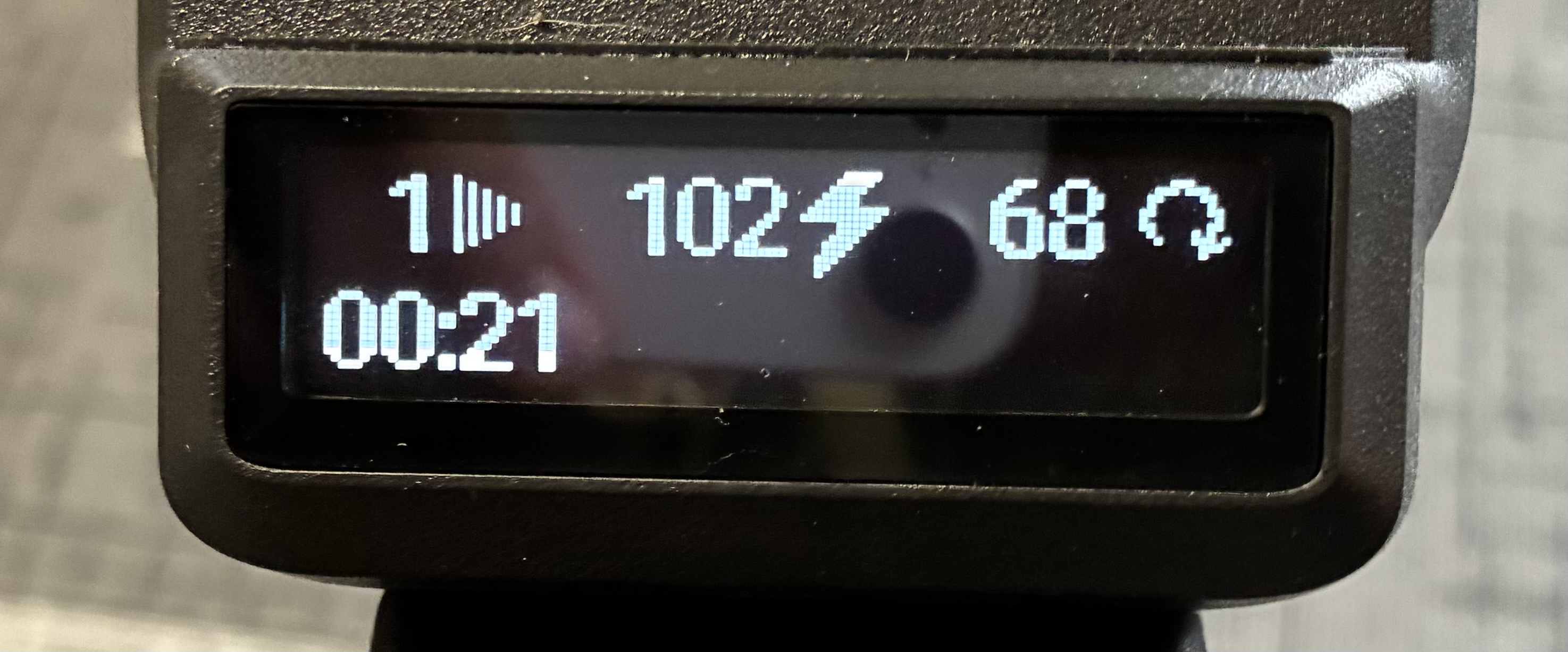
- Gear
- Power
- Cadence
- Heart Rate
- Timer (always visible)
Display View 2 (non-connected metrics)
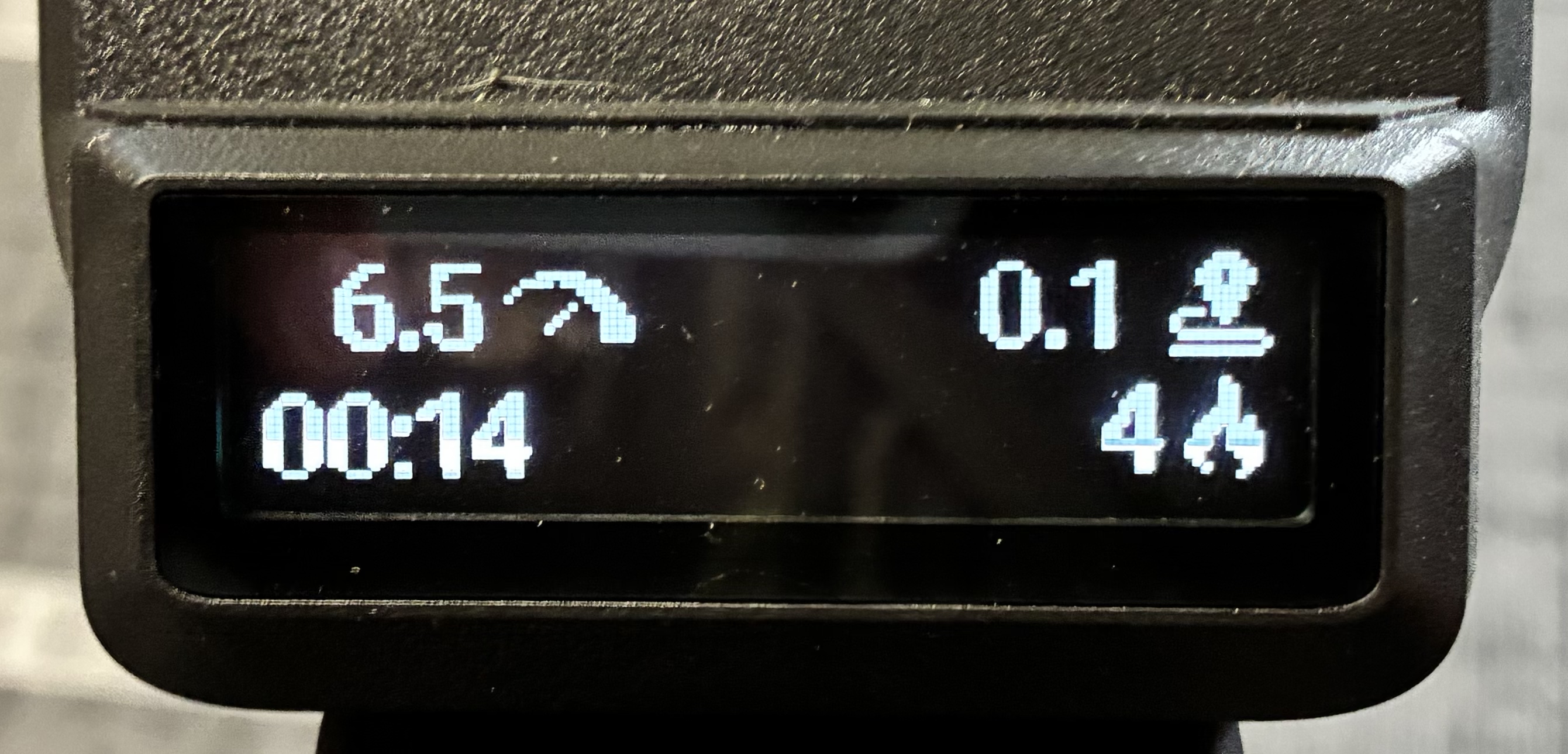
- Speed
- Distance
- Calories
- Timer (always visible)
The speed/distance/calories screen is only available in non-connected mode; when connected to a virtual riding app, this screen is disabled. These metrics cannot be reliably synchronized between the bike and third-party apps. To avoid inconsistencies, this feature is restricted to non-connected use only.
Was this article helpful?
That’s Great!
Thank you for your feedback
Sorry! We couldn't be helpful
Thank you for your feedback
Feedback sent
We appreciate your effort and will try to fix the article