Before your first ride, you should complete a spindown calibration on the SB200. After the initial setup, the SB200 will automatically perform spindowns during normal use to help maintain accurate data.
Automatic spindowns occur when the bike reaches a cadence of 85 RPM or higher, followed by 10-15 seconds of coasting. You can also manually trigger a spindown at any time through the Stages Cycling app.
The spindown process measures drivetrain belt drag, which can naturally change over time as the bike is used. The SB200’s automatic spindown feature accounts for these changes by recalibrating while coasting, helping ensure consistent resistance and power accuracy.
Performing a manual spindown on the SB200
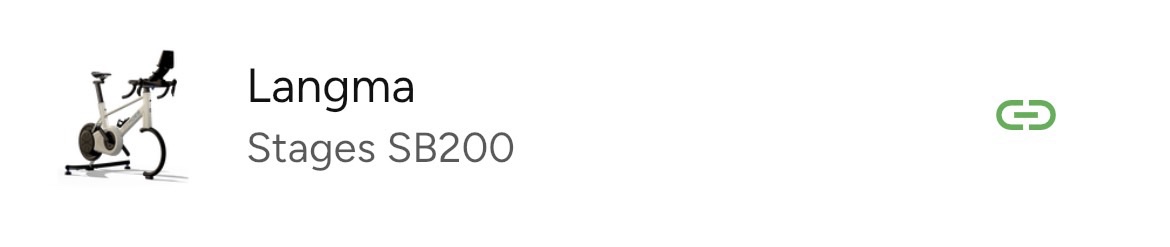
- Open the Stages Cycling app and connect to the SB200.
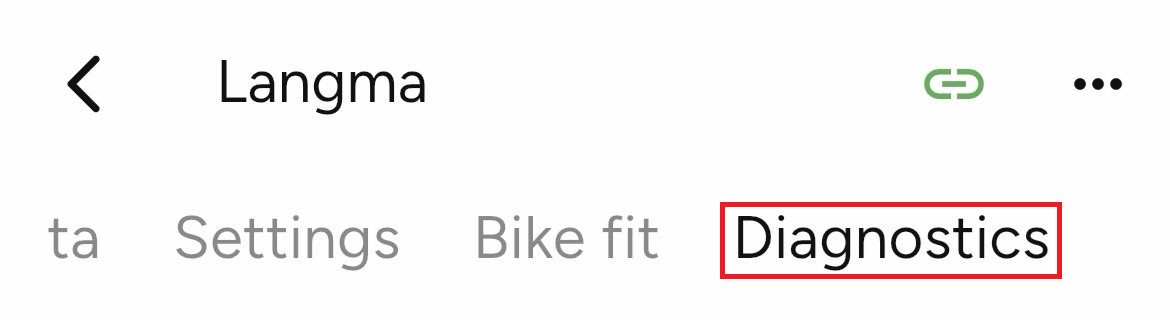
- Select the rightmost tab, Diagnostics.
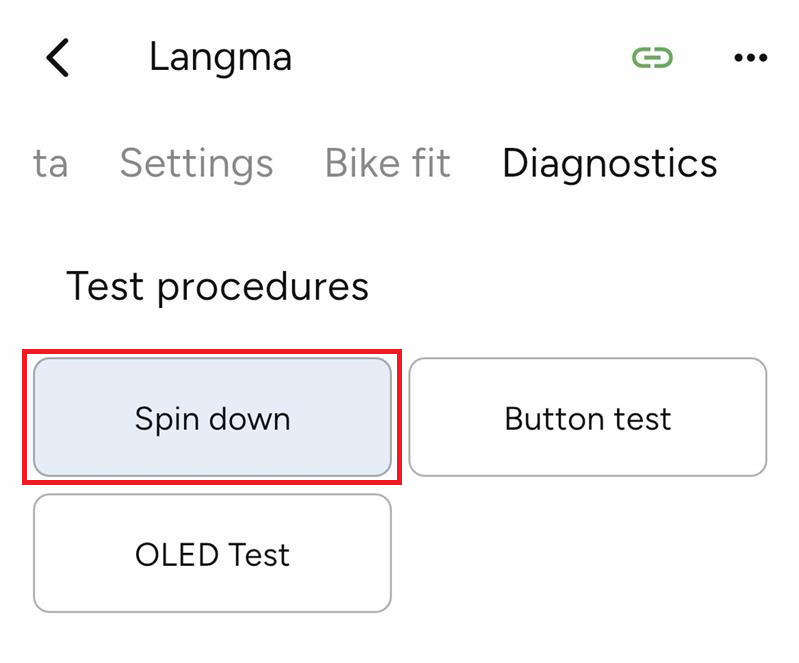
- Select Spin down.
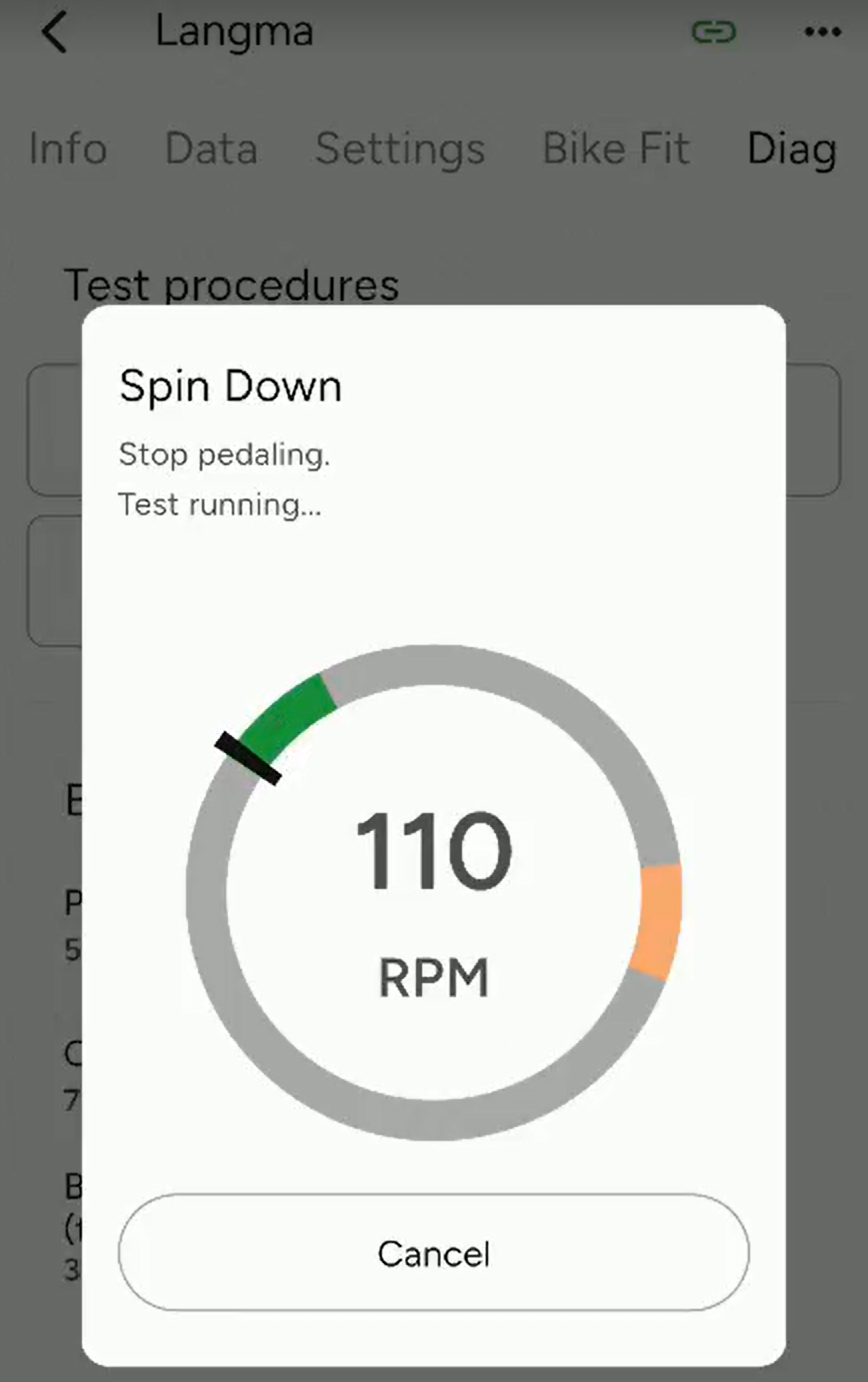
- Select the Start button and begin pedaling until you reach 110 RPM.
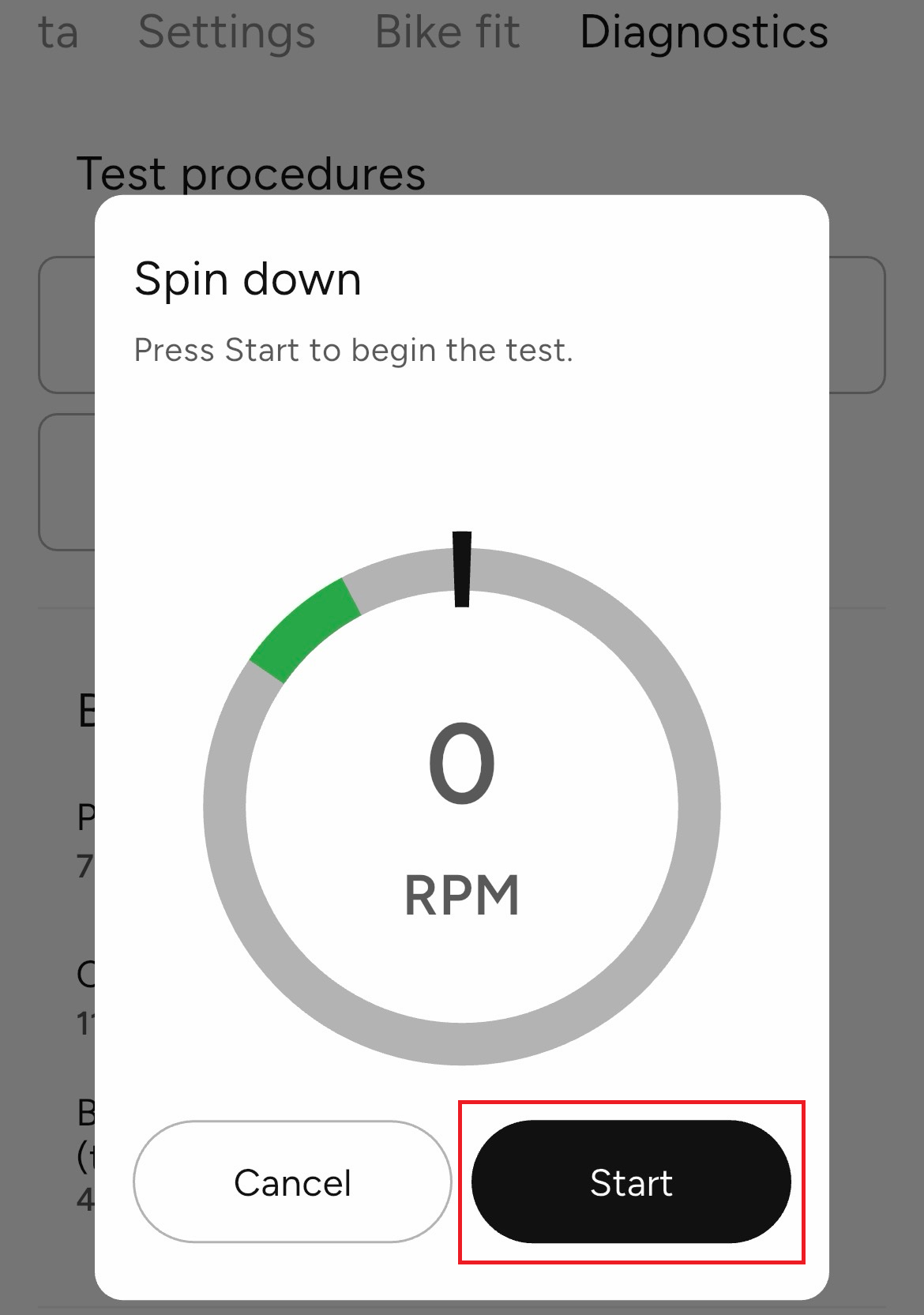
- Once you reach 110 RPM, the app will instruct you to stop pedaling as the test runs.
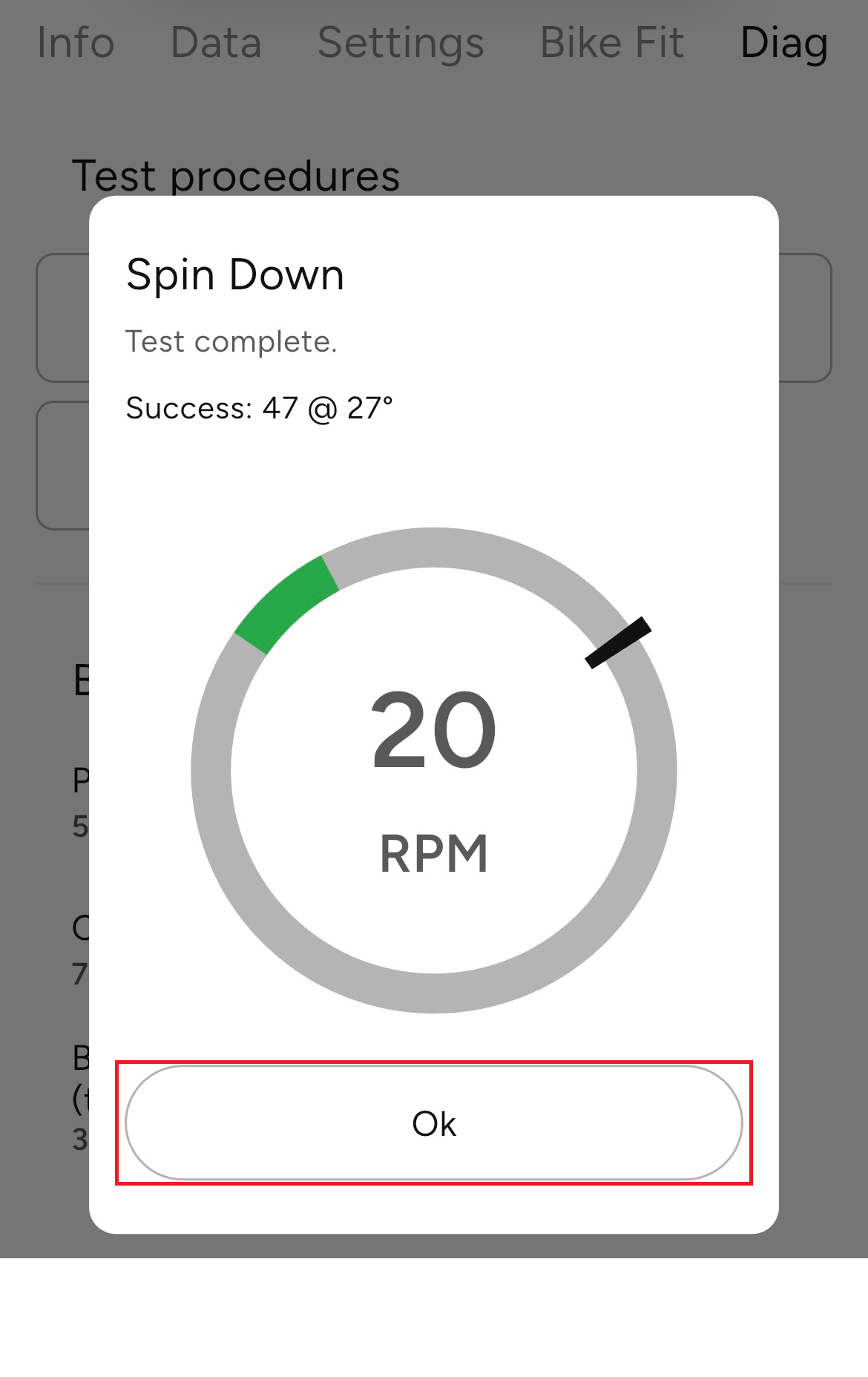
- After the test is complete, you can select Ok at the bottom of the pop-up.
Was this article helpful?
That’s Great!
Thank you for your feedback
Sorry! We couldn't be helpful
Thank you for your feedback
Feedback sent
We appreciate your effort and will try to fix the article